




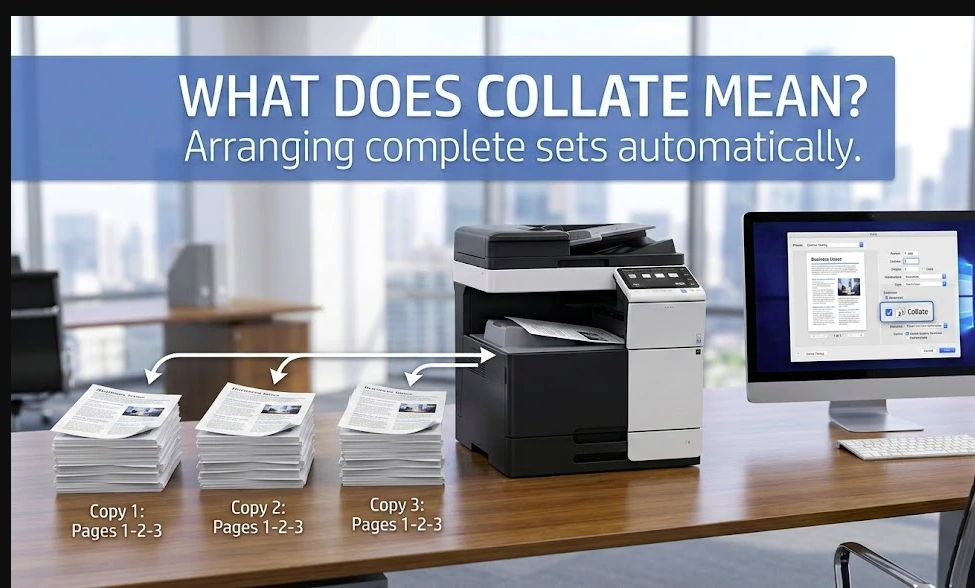
When you select “Collate” in your printer settings, you are choosing how multiple copies of a multi-page document will be arranged.
In simple terms:
Collate means printing each copy of a multi-page document in the correct page order before printing the next copy.
It does not change the content.
It only changes how pages are organized.
Have questions about this story?
Ask Tundra for more details, context, or updates.
Quick Answer (Featured Snippet Optimized)
Collating in printing means arranging pages into complete, correctly ordered sets when printing multiple copies of a multi-page document.
This setting only matters when you print more than one copy of a document with multiple pages.
Collated vs Uncollated Printing (Simple Example)
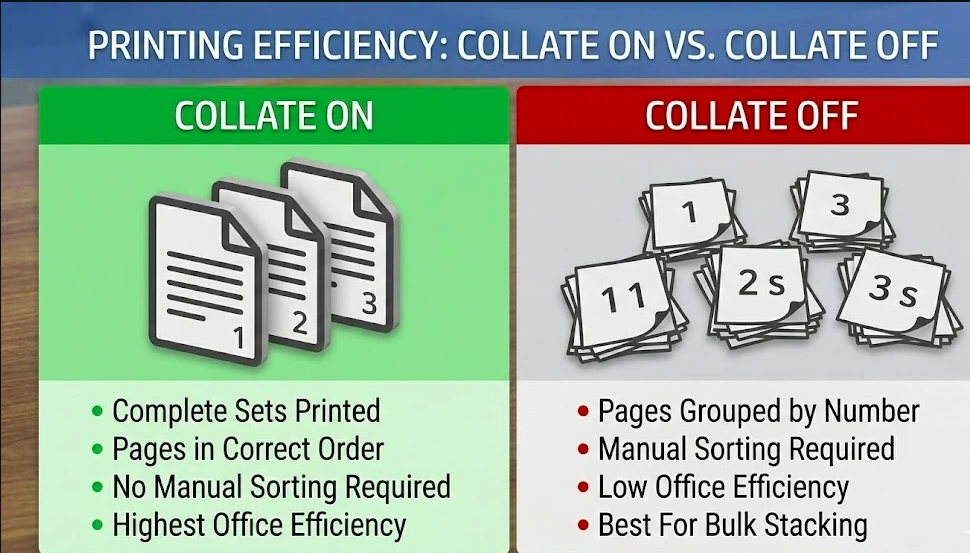
Let’s say you are printing:
- A 5-page document
- 3 copies
If Collate Is ON
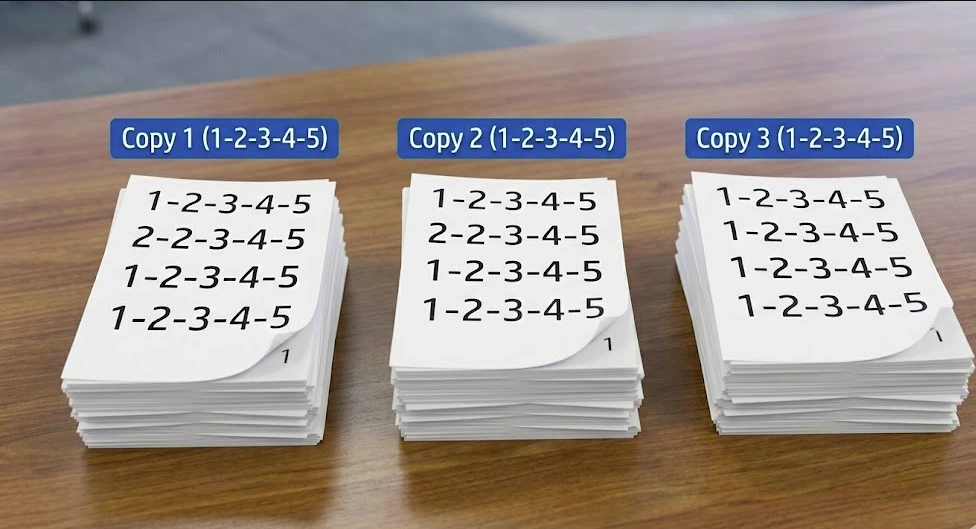
Your printer prints:
1-2-3-4-5
1-2-3-4-5
1-2-3-4-5
Each copy is complete and ready to distribute.
If Collate Is OFF
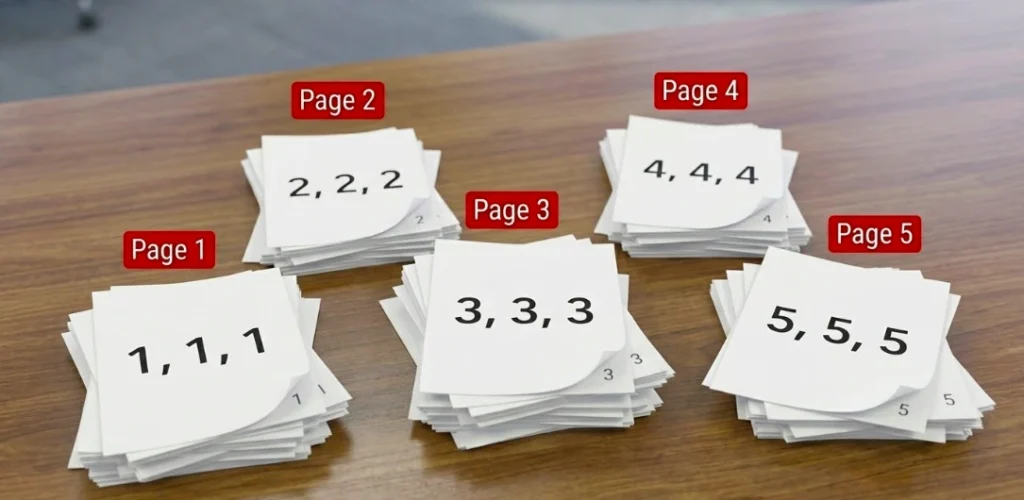
Your printer prints:
1-1-1
2-2-2
3-3-3
4-4-4
5-5-5
You must manually sort the pages into sets.
For large print jobs, this becomes time-consuming.
Collate vs Uncollated Printing (Comparison Table)
| Feature | Collate ON | Collate OFF |
| Page Order | Complete sets in order | Pages grouped by number |
| Best For | Reports, assignments, manuals | Bulk stacking |
| Manual Sorting | Not required | Required |
| Printing Speed | Slightly slower | Slightly faster |
| Office Efficiency | High | Low |
Why the Collate Setting Exists
Collation was created to save time.
Before digital printers handled page ordering automatically, large print jobs required manual sorting.
For example:
Printing 50 copies of a 20-page report without collating produces:
- 50 copies of page 1
- 50 copies of page 2
- 50 copies of page 3
- And so on
That’s 1,000 loose pages that must be sorted by hand.
Collate eliminates that manual step.
When Should You Turn Collate On?
Enable collate when:
- Printing multiple copies of multi-page documents
- Printing business reports
- Printing school assignments
- Preparing training materials
- Printing contracts or proposals
- Creating booklets or handouts
Disable collate when:
- Printing only one copy
- Printing single-page documents
- Printing grouped inserts
- Preparing pages for professional binding by section
Does Collating Slow Down Printing?
Yes, slightly.
When collate is enabled, the printer completes one full set before starting the next.
Without collate, it may print all identical pages together, which can be marginally faster.
However, the time saved from avoiding manual sorting usually outweighs the minor speed difference.
How to Turn Collate On or Off
On Windows
- Open your document.
- Click File → Print.
- Select your printer.
- Locate the Collate checkbox.
- Turn it on or off.
- Click Print.
On Mac
- Click File → Print.
- Expand print settings.
- Find the Collated option.
- Toggle it as needed.
- Print.
Some printers may place the setting under:
- Layout
- Finishing
- Advanced options
Collate vs Duplex Printing (Common Confusion)
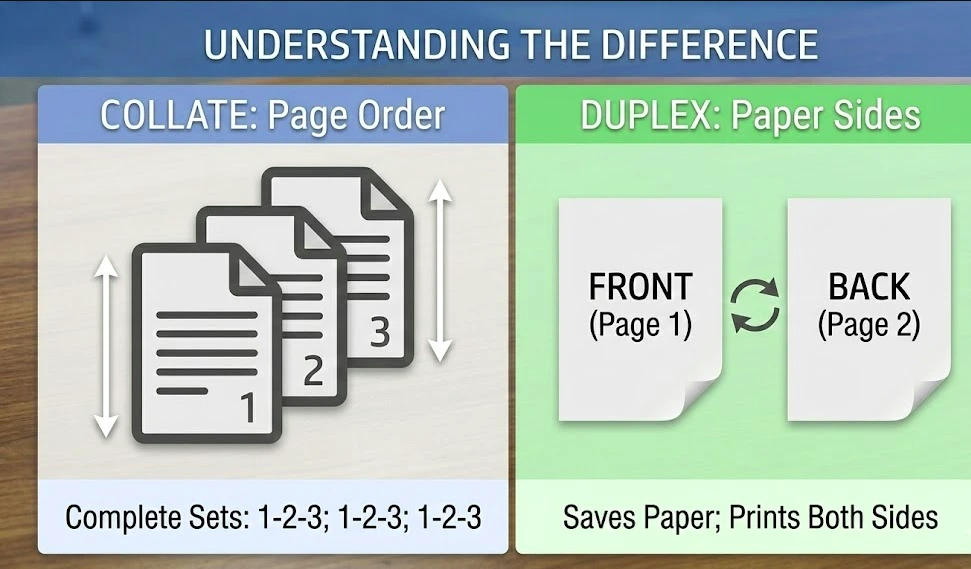
Many people confuse collate with duplex printing.
Here’s the difference:
| Feature | Collate | Duplex |
| Purpose | Organizes page order | Prints on both sides |
| Changes Paper Sides | No | Yes |
| Used For | Multiple copy organization | Saving paper |
They serve completely different purposes.
You can enable both at the same time.
Collate vs Stapling
Another common misunderstanding.
Collate arranges pages in order.
Stapling physically binds them together.
Office printers often allow:
- Collate only
- Staple only
- Or both together
But collate does not automatically staple pages.
Real-World Example: Office Printing
Imagine printing:
- 100 copies
- 15 pages each
That equals 1,500 pages.
Without collate:
You receive pages grouped by number and must sort them manually.
With collate:
You receive 100 complete document sets ready to distribute.
This is why offices almost always print with collate enabled.
Real-World Example: Schools and Universities
If a teacher prints:
- 30 copies
- 6 pages per worksheet
Without collate, the teacher must sort 180 pages.
With collate, each worksheet is already assembled correctly.
Collation saves time and reduces errors.
Does Collate Matter for Single-Page Documents?
No.
If your document contains only one page, collate makes no difference because there is no page order to arrange.
The setting only applies to multi-page documents.
Why Your Printer May Not Collate Properly
If collate is not working:
- Your printer driver may override the software setting
- Your printer may have limited memory
- The setting may be disabled in advanced preferences
- The wrong device profile may be selected
Updating your printer driver often fixes the issue.
How Collation Works Inside a Printer
When collate is enabled, the printer:
- Receives the full document instructions.
- Prints page 1 through the last page in order.
- Repeats the entire sequence for each copy.
- Continues until all sets are printed.
Modern printers manage this using internal memory buffers.
Who Uses Collate Most Often?
Collate is commonly used in:
- Corporate offices
- Schools and universities
- Law firms
- Government agencies
- Training departments
- Conference events
Any environment that prints multi-page reports benefits from collation.
Also Read: GE Universal Remote Codes: How to Program Your Remote in Minutes
Final Summary
Collate in printing simply means organizing pages into complete, correctly ordered sets when printing multiple copies of a multi-page document.
If you regularly print reports, assignments, proposals, or booklets, turning collate ON improves efficiency and prevents sorting mistakes.
For single-page prints or single copies, the setting does not matter.
Understanding how collate works helps you print smarter and save time.
FAQs
What does collate mean on a printer?
Collate means printing complete multi-page document sets in the correct order for each copy.
Should collate be on or off?
Turn it ON when printing multiple copies of multi-page documents.
What happens if I don’t collate?
You will need to manually sort pages into proper sets.
Does collate affect print quality?
No. It only changes page order, not quality.
Is collate the same as duplex?
No. Duplex prints on both sides of the paper. Collate organizes page sequence.