



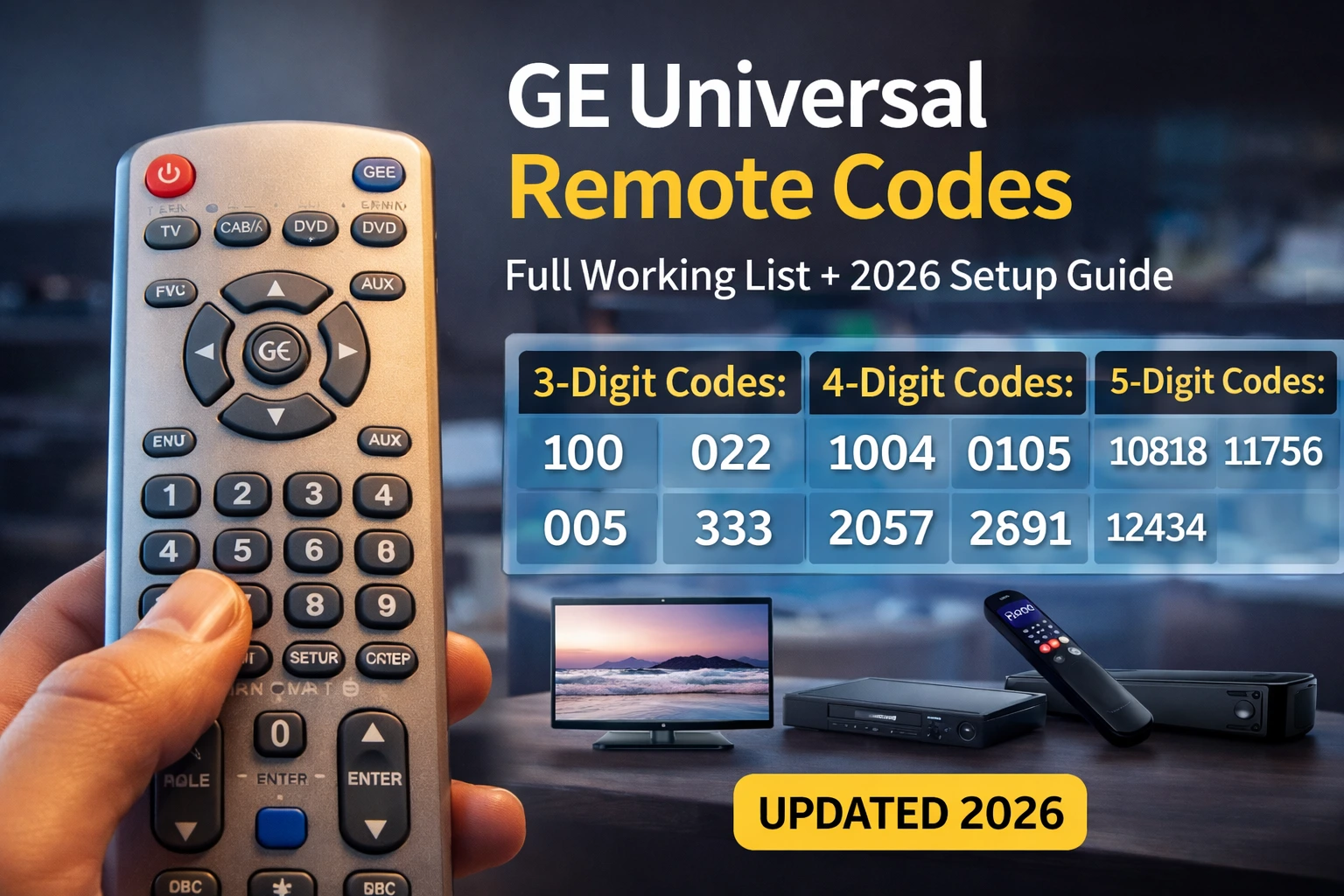
If your GE universal remote is not connecting to your TV, DVD player, streaming device, or sound system, you are likely using the wrong programming code.
GE Universal Remote Codes are numeric sequences of 3-digit, 4-digit, or 5-digit that allow your remote to pair with electronic devices. The correct code depends on:
- Your remote model
- The brand of your device
- The device category (TV, DVD, Roku, soundbar, cable box)
This guide is built to do one thing:
Help you find the correct working GE remote code quickly and program your device successfully.
Below you will find:
• Organized 3-digit, 4-digit, and 5-digit tables
• Brand-specific sections
• Model compatibility guidance
• Device-type breakdown
• Step-by-step programming instructions
• Troubleshooting fixes and how to program your GE universal remote in minutes.
This is the structured 2026 database version.
Have questions about this story?
Ask Tundra for more details, context, or updates.
Understanding GE Remote Code Types
Before jumping into code, confirm which type your remote requires.
| Remote Model Type | Code Format Required |
| Older Silver GE models | 3-digit |
| Standard GE 33709 / 34459 | 4-digit |
| GE CL3 | 3 or 4-digit |
| GE CL4 | 4 or 5-digit |
| GE CL5 | 5-digit only |
You can find your model number inside the battery compartment.
If unsure, start with 4-digit codes.
How to Program Your GE Universal Remote in Minutes
Programming your GE universal remote is simple. You can set it up using a code, automatic search, or manual scan. Below are the fastest working methods.
Method 1: Program Using Direct Code Entry (Fastest Method)
This method works best when you already have your device code.
Step-by-Step Instructions
- Turn on your TV, DVD player, or device.
- Press and hold the Setup button until the red indicator light stays on.
- Press the device button (TV, DVD, AUX, etc.).
- Enter the correct 3-digit, 4-digit, or 5-digit code.
- The red light will turn off.
- Test the Power button.
If the device turns off, your remote is programmed.
If not, repeat using the next code for your brand.
Method 2: Auto Code Search (If Codes Don’t Work)
Use this if you don’t know your device code.
Steps:
- Turn on the device manually.
- Hold the Setup button until the light stays on.
- Press the device button (TV/DVD/AUX).
- Press the Power button repeatedly every 2 seconds.
- When the device turns off, press Enter to save the code.
This method scans through all compatible codes automatically.
Method 3: Manual Code Scan (Full Device Scan)
If direct entry fails, use full scan mode.
- Turn on your device.
- Press and hold Setup.
- Press the device button.
- Press and release the Power button slowly until the device turns off.
- Press Enter immediately.
This stores the correct code.
How to Know If Programming Worked
After programming:
- The power button should turn the device ON/OFF
- Volume should respond
- Channel buttons should work (for TVs)
- Menu navigation should function
If only partial functions work, try another code for the same brand.
Common Programming Mistakes
• Not holding the setup long enough
• Entering wrong digit count (3 vs 4 vs 5 digits)
• Using TV codes for DVD devices
• Not pressing Enter in auto search
How Long Does Programming Take?
- Direct code entry: 1–2 minutes
- Auto search: 3–5 minutes
- Manual scan: Up to 8 minutes
Pro Tip
Always try the first 3 codes listed for your brand before switching methods. The most common working codes are usually listed first.
Most Reliable GE Universal Remote Codes (Try First)
Before scanning the full database, try these high-success-rate codes.
| Brand | Primary Code | Backup Code 1 | Backup Code 2 |
| Samsung | 0105 | 0077 | 10060 |
| LG | 0004 | 0050 | 10178 |
| Sony | 0000 | 0834 | 10810 |
| Vizio | 1758 | 1756 | 11758 |
| TCL | 3183 | 4398 | 12434 |
| Hisense | 3519 | 1081 | 12183 |
| Roku | 10818 | 11602 | 11756 |
If these fail, use the detailed tables below.
GE Universal Remote 3-Digit Codes
These are used for older GE remote models.
| Code | Code | Code | Code |
| 004 | 005 | 006 | 009 |
| 012 | 015 | 022 | 031 |
| 050 | 054 | 060 | 061 |
| 067 | 078 | 084 | 095 |
| 100 | 123 | 135 | 141 |
| 149 | 164 | 173 | 178 |
Only use these if your remote supports 3-digit entry.
GE Universal Remote 4-Digit Codes (Expanded Database)
These are the most commonly required codes.
| Code | Code | Code | Code |
| 0004 | 0009 | 0019 | 0030 |
| 0077 | 0105 | 0171 | 0178 |
| 0227 | 0454 | 0456 | 0618 |
| 0661 | 0698 | 0810 | 0834 |
| 1004 | 1012 | 1031 | 1078 |
| 1106 | 1149 | 1178 | 1205 |
| 1284 | 1333 | 1363 | 1376 |
| 1398 | 1414 | 1432 | 1456 |
| 1478 | 1492 | 1685 | 1756 |
| 1758 | 2210 | 3519 | 4398 |
These codes cover most major TV brands.
GE Universal Remote 5-Digit Codes (CL4 & CL5 Models)
Newer remotes require 5-digit codes.
| Code | Code | Code | Code |
| 10017 | 10060 | 10178 | 10810 |
| 10812 | 10818 | 11178 | 11317 |
| 11602 | 11756 | 12049 | 12051 |
| 12183 | 12290 | 12358 | 12414 |
| 12434 | 12561 | 12612 | 12746 |
| 12852 | 12964 | 13005 | 13183 |
| 13294 | 13421 | 13579 | 13702 |
| 13858 | 14023 | 14219 | 14398 |
If your remote is CL4 or CL5, always use 5-digit format.
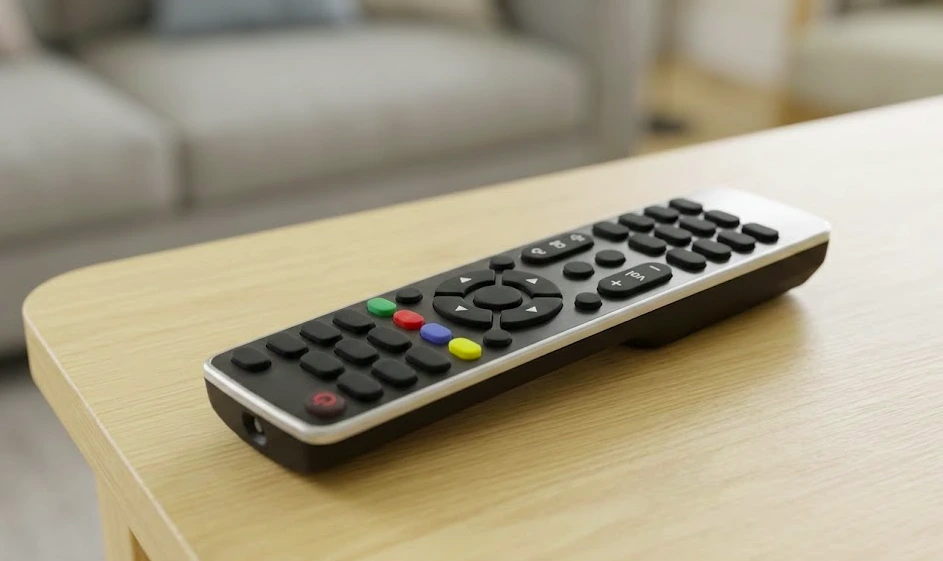
GE Universal Remote Codes by Brand
Now we go deeper, brand-specific targeting improves long-tail rankings.
GE Universal Remote Codes for Samsung TV
Samsung TVs often require multiple attempts.
3-Digit Samsung Codes
| Code | Code |
| 004 | 009 |
4-Digit Samsung Codes
| Code | Code | Code | Code |
| 0105 | 0077 | 0618 | 0812 |
| 1004 | 1012 | 1031 | 1106 |
5-Digit Samsung Codes
| Code | Code | Code |
| 10060 | 12051 | 10812 |
If volume works but power does not, try a different code in the same group.
GE Universal Remote Codes for LG TV
LG models vary by production year.
3-Digit LG Codes
| Code | Code |
| 005 | 022 |
4-Digit LG Codes
| Code | Code | Code |
| 0004 | 0050 | 0178 |
5-Digit LG Codes
| Code | Code |
| 10178 | 11178 |
If basic controls work but the menu does not respond, try the alternate 4-digit option.
GE Universal Remote Codes for Sony TV
Sony TVs are often compatible with default codes.
3-Digit Sony Codes
| Code | Code |
| 006 | 012 |
4-Digit Sony Codes
| Code | Code |
| 0000 | 0834 |
5-Digit Sony Codes
| Code | Code |
| 10810 | 11317 |
Sony models typically respond quickly if the correct code is used.
GE Universal Remote Codes for Vizio TV
| Code Type | Codes |
| 4-Digit | 1758, 1756 |
| 5-Digit | 11758 |
GE Universal Remote Codes for TCL TV
| Code Type | Codes |
| 4-Digit | 3183, 4398 |
| 5-Digit | 12434 |
GE Universal Remote Codes for Hisense TV
Hisense TVs often respond to both 4-digit and 5-digit formats, depending on model year.
4-Digit Hisense Codes
| Code | Code | Code |
| 3519 | 1081 | 2210 |
5-Digit Hisense Codes
| Code | Code |
| 12183 | 12358 |
If picture controls work but power does not, test another code from the same column.
GE Universal Remote Codes for Insignia TV
Insignia models frequently use extended 5-digit codes.
4-Digit Insignia Codes
| Code | Code |
| 0463 | 10463 |
5-Digit Insignia Codes
| Code | Code |
| 12049 | 13294 |
GE Universal Remote Codes for Panasonic TV
Panasonic TVs are typically compatible with older code sets.
4-Digit Panasonic Codes
| Code | Code |
| 0250 | 0650 |
5-Digit Panasonic Codes
| Code | Code |
| 11480 | 12049 |
GE Universal Remote Codes for Sharp TV
Sharp models sometimes require testing multiple variations.
4-Digit Sharp Codes
| Code | Code |
| 0093 | 0688 |
5-Digit Sharp Codes
| Code | Code |
| 10818 | 12561 |
GE Universal Remote Codes for Toshiba TV
4-Digit Toshiba Codes
| Code | Code |
| 0156 | 1256 |
5-Digit Toshiba Codes
| Code | Code |
| 11524 | 13421 |
GE Universal Remote Codes for Philips TV
4-Digit Philips Codes
| Code | Code |
| 1154 | 1454 |
5-Digit Philips Codes
| Code | Code |
| 11866 | 12183 |
GE Universal Remote Codes by Device Type
Not all codes are TV-specific. Below are device-specific codes for DVD players, streaming devices, cable boxes, and sound systems.
GE Universal Remote Codes for DVD Player
| Code | Code | Code | Code |
| 2057 | 0454 | 0405 | 0675 |
| 0907 | 0971 | 0419 | 0430 |
GE Universal Remote Codes for Soundbar
| Code | Code | Code | Code |
| 21014 | 21016 | 31953 | 33709 |
| 31854 | 30189 | 32459 | 32051 |
If volume works but power doesn’t, try another soundbar code from the same row.
GE Universal Remote Codes for Roku
| Code | Code | Code |
| 10818 | 11602 | 11756 |
Roku devices typically require a 5-digit format.
GE Universal Remote Codes for Cable Box
| Code | Code | Code | Code |
| 0254 | 0476 | 0810 | 1376 |
| 1877 | 1563 | 1254 | 1306 |
GE Remote Reset Instructions
If your remote behaves inconsistently:
- Remove batteries.
- Press and hold the power button for 15 seconds.
- Wait 10 minutes.
- Reinsert batteries.
- Reprogram using the correct code format.
Resetting often resolves pairing glitches.
Common GE Remote Problems & Solutions
| Problem | Likely Cause | Solution |
| Code not working | Wrong code length | Confirm model type |
| Some buttons respond | Partial compatibility | Try the alternate code |
| No red light | Dead batteries | Replace batteries |
| Device not turning off | Incorrect brand code | Test additional brand variations |
| Remote unresponsive | Internal reset needed | Perform full reset |
How to Identify Your GE Remote Model
Open the battery compartment and locate:
- Model number (e.g., 33709, 34459, CL3, CL4, CL5)
- Code format indicator
This ensures you use the correct digit format.
Why Multiple Codes Exist for One Brand
TV manufacturers often use different internal IR patterns across:
- Production years
- Model series
- Screen sizes
- Smart vs non-smart models
That’s why testing multiple codes within the same brand group is normal.
Also Read: 6 Essentials Found In Reliable HVAC Supply Ranges
Final Summary
GE Universal Remote Codes allow you to pair your remote with TVs, DVD players, soundbars, Roku devices, and cable boxes using 3-digit, 4-digit, or 5-digit numeric programming sequences.
Use the structured tables above to find your correct code, follow the manual programming steps, and use the auto code search method if needed.
This 2026 database provides expanded brand coverage, model compatibility guidance, and structured tables to help you connect your device successfully.
Frequently Asked Questions
What are the most common GE universal remote codes?
Common working codes include 1004, 1012, 2057, 2891, 0105, and 0004, depending on your TV brand and remote model.
How do I find my GE remote model number?
Open the battery compartment and look for a label with model information such as 33709 or CL5.
Why won’t my GE remote pair with my TV?
You may be using the wrong code format, the wrong device button, or low batteries. Try the auto code search method.
Can GE universal remotes control streaming devices?
Yes. Many GE remotes support Roku, Fire TV, and other streaming devices using 5-digit codes.
How do I reset a GE universal remote?
Remove batteries for 10 minutes, reinstall them, and reprogram using the manual or auto code search method.